Standard mesh file from most jewellery CAD tools
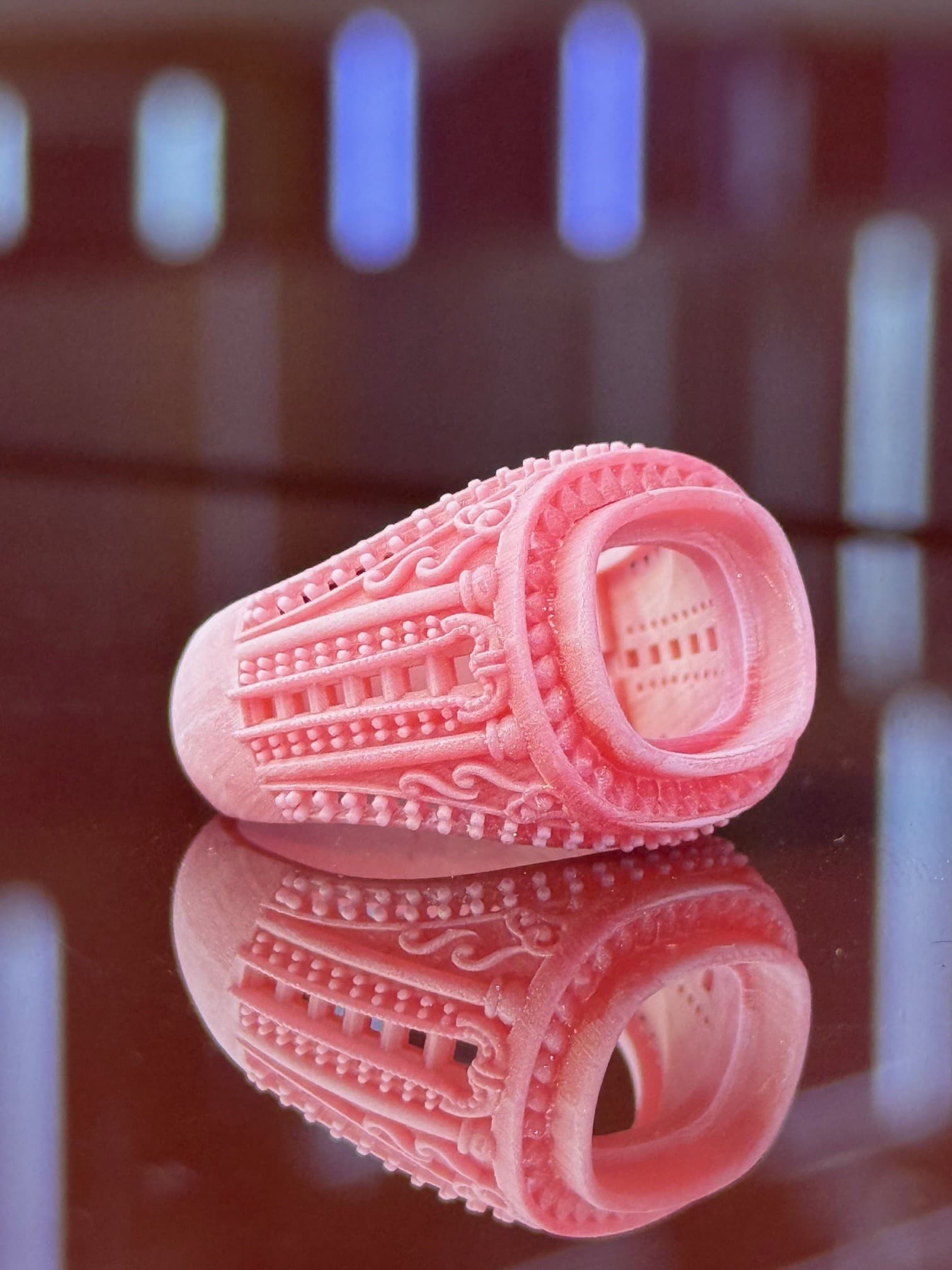
WhatsApp-first file review
Send your jewellery file for a practical CAM review.
Share the design, quantity, and required output. We will check the production basics and confirm the job scope, price, and timing before work begins.
This page has no upload form. Your CAD file is attached directly in the WhatsApp conversation.
- Common formats
- STL · 3DM · OBJ
- Review focus
- Production basics
- Work starts
- After approval
- Workshop
- Dubai Gold Souq
Send enough information to review the real job.
The design file is the starting point. Quantity, output, and timing requirements help us review it in the correct production context.
Accepted file formats
Native Rhino jewellery design file
Universal 3D mesh format
Solid-model exchange format
CAD interchange format
Have a different format? Message us before sending and we will confirm whether it can be reviewed.
Include with your file
- 01
The latest version of the design file
- 02
Required quantity and any size variations
- 03
Whether you need wax printing only or casting as well
- 04
Your required date, so timing can be confirmed before approval
- 05
A reference image when the intended finish or detail is not obvious
One conversation, three decisions
How the file review works.
Send through WhatsApp
Attach the jewellery file and include the quantity, required output, and any useful production notes.
Receive a practical review
We check whether the model is workable for wax printing and flag visible issues that may affect production.
Confirm price and timing
We confirm the job scope, price, and production timing before any printing, repair, or casting work begins.
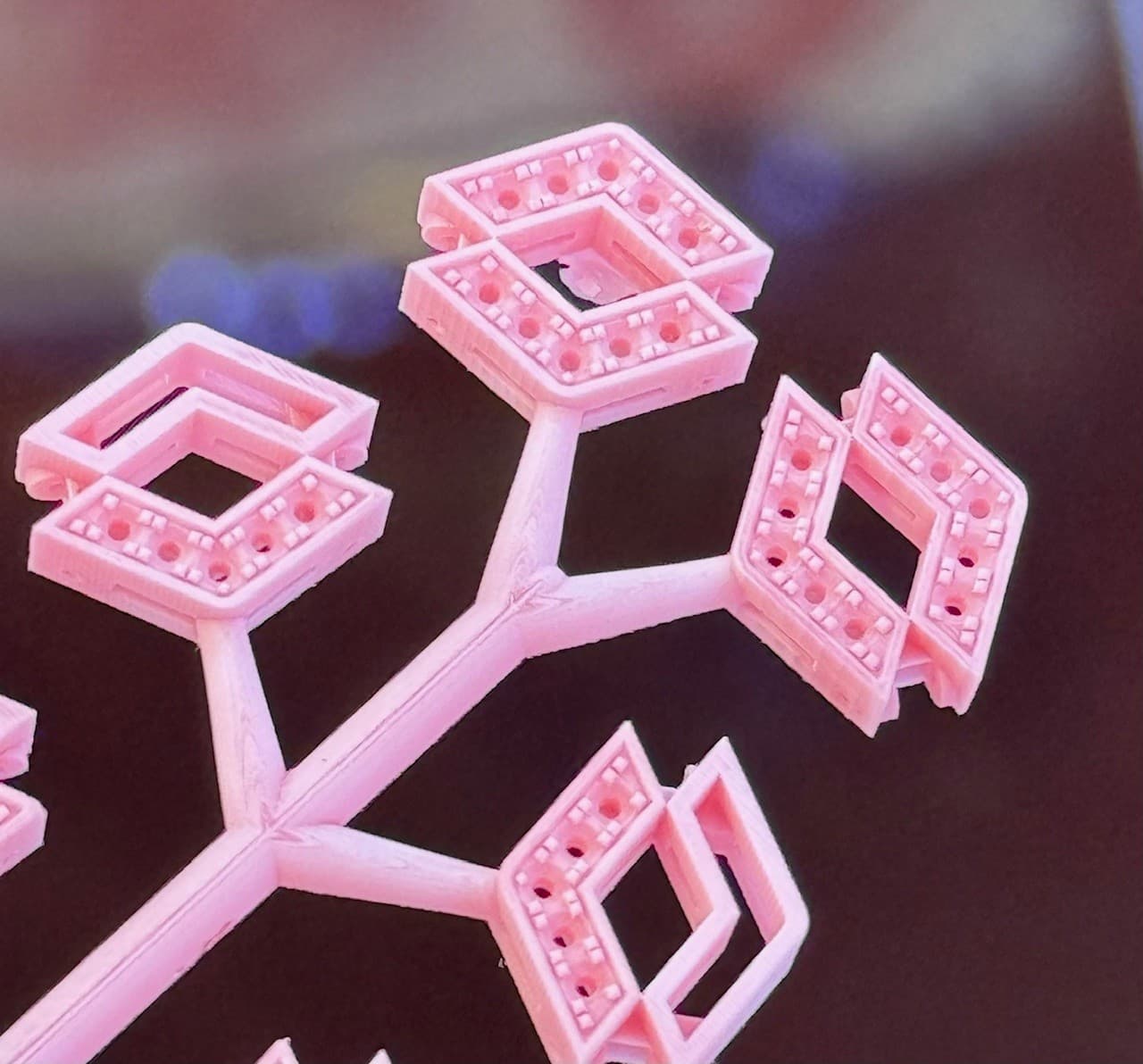
What we check in the file.
This is a practical production review, not a promise that every design is ready as sent. If changes or separate CAD work are needed, they are discussed before proceeding.
- Wall thickness
- Areas that may be too thin or fragile for reliable printing and casting.
- Scale and size
- The intended dimensions and whether the exported file appears to use the expected scale.
- Geometry
- Open meshes, disconnected parts, difficult overhangs, and other visible printability concerns.
- Fine detail
- Small text, settings, textures, and features that may not reproduce as expected at the chosen size.
- Casting path
- Whether the wax can continue into the requested metal workflow and what must be confirmed separately.
After the review
Choose the production stage you actually need.
01 · Wax production
CAM printing
Move the approved design into castable jewellery wax production.View CAM printing02 · Metal production
Gold or silver casting
Confirm a separate casting job when the approved wax should continue into metal.View casting serviceFile review questions.
Which jewellery file formats can I send?
We commonly review STL, 3DM, OBJ, STEP, and IGES files. If your design uses another format, send a message first and we will confirm whether it can be reviewed.
Do I upload the file to this website?
No. The current workflow sends the file directly through WhatsApp. This page does not upload or store your CAD file on the Saqlain Bullion website.
Is the initial file review charged?
The initial printability review is used to prepare the quotation. If the design needs separate repair or redesign work, we confirm that scope and any cost before starting it.
How long does the review take?
Straightforward files can often be reviewed during business hours. Complex, multi-piece, or incomplete files may take longer, so reply timing is confirmed in the WhatsApp conversation.
Can you repair a file that is not production-ready?
We first explain the visible issue. Minor preparation may be possible, while substantial CAD repair or redesign is treated as separate work and confirmed before it begins.
What happens after I approve the quote?
The approved file can move into castable wax printing. If you also need gold or silver casting, that stage is confirmed separately with its own scope and timing.
What if the design has special confidentiality requirements?
Tell us before sending the file so the required handling can be discussed and agreed before the design is shared.